Sports IPTV on Android: What to Look For and Where to Start
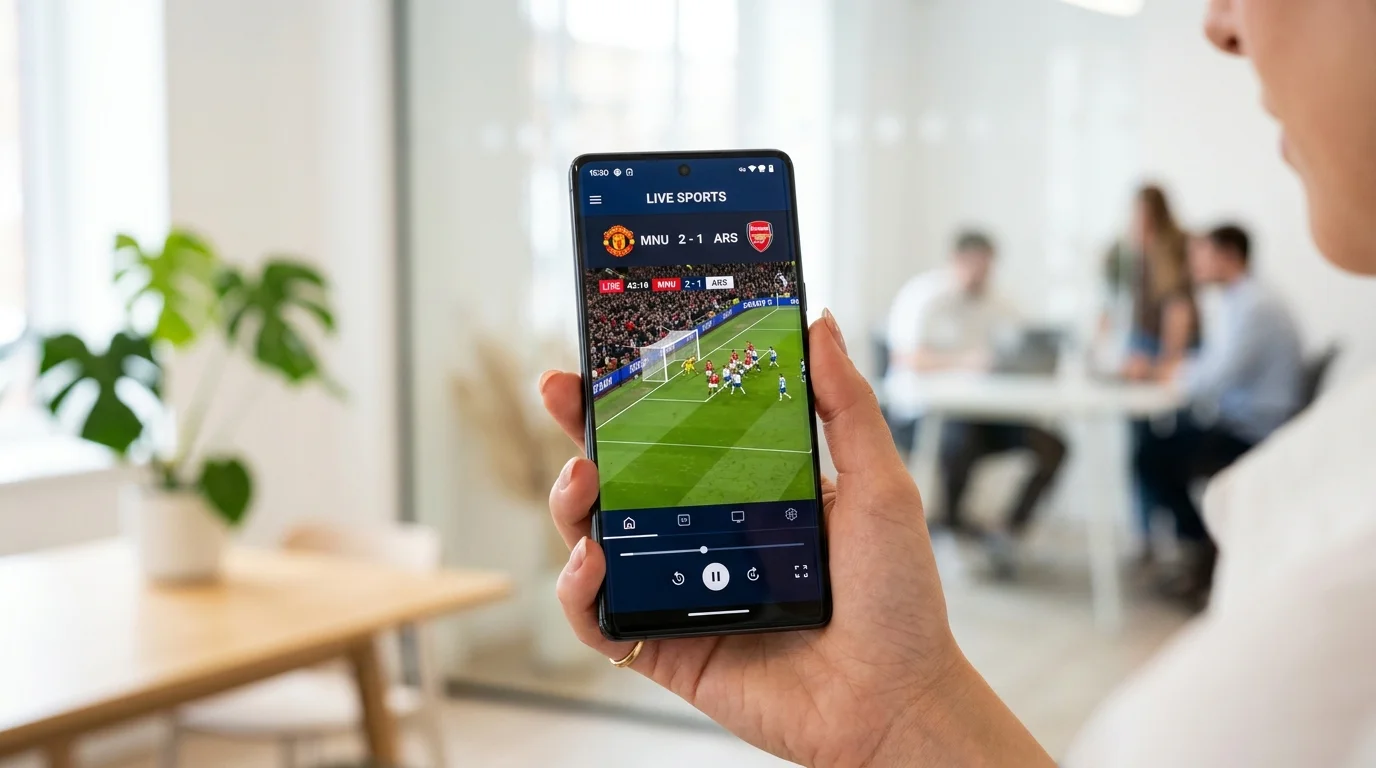
Android is the best platform for sports IPTV, full stop. The open ecosystem means you can sideload apps, install APKs directly, and run pretty much any player you want without jumping through hoops. Whether you're catching Premier League weekends, following an NBA playoff run, or trying to watch Champions League nights without paying for five different subscriptions, Android gives you the flexibility to make it work.
This page covers the best apps for watching sports IPTV on Android devices, what features actually matter for live sports, how to pick a service that keeps up with the action, and a few honest things to expect when you go this route.
The Best Android Apps for Sports IPTV
Not every IPTV app handles live sports well. Sports streams need low latency, reliable buffer management, and a player that doesn't choke when 50,000 people are all trying to watch the same match at kickoff. Here are the apps that consistently perform:
- TiviMate: The most popular Android IPTV player for a reason. The EPG (electronic programme guide) is clean, the channel organization is easy to manage, and it handles high-bitrate sports streams without dropping frames constantly. The premium version adds multi-screen viewing, which is genuinely useful during busy sports weekends.
- IPTV Smarters Pro: A solid choice if you want something that works straight out of the box with most IPTV providers. You just enter your M3U URL or Xtream Codes credentials and you're watching. The interface is a bit busier than TiviMate but it's functional and free.
- GSE Smart IPTV: Good for users who manage multiple playlists or bounce between providers. It supports external players like MX Player and VLC, which can help with specific stream formats that don't play nicely with the built-in decoder.
- Perfect Player: Old school but dependable. It's lightweight and works well on lower-end Android devices or Android TV boxes where you want to keep resource usage down.
- OTT Navigator: Growing in popularity, especially among users who care about EPG accuracy. If you want to know exactly when the NFL game kicks off or when La Liga fixtures are scheduled, a well-integrated EPG makes a real difference.
For most people watching sports, TiviMate paired with a quality IPTV subscription is the sweet spot. It's worth spending a few minutes setting up your favorite sports channels and pinning them so you're not hunting through hundreds of channels when kickoff is two minutes away.
What Actually Matters for Live Sports Streaming
Apps are only part of the equation. The IPTV service you pair with your Android app matters just as much, maybe more. Here's what to prioritize:
- Channel count for sports: A good sports IPTV service should carry Sky Sports, BT Sport, beIN Sports, ESPN, TNT Sports, and regional sports networks. If you're into NFL, NBA, La Liga, Serie A, or Champions League, check the channel list before you commit to anything.
- Stream quality options: Look for services offering HD and FHD streams. Some services also offer 4K for select events, which is great if your setup supports it.
- Server stability during peak times: This is where a lot of cheaper services fall apart. A stream that works fine on a Tuesday afternoon can buffer badly during a Champions League final or an NFL playoff game when demand spikes hard. Ask about server capacity before you subscribe.
- Catch-up and VOD: Some services include catch-up TV so you can watch matches you missed. Not essential, but genuinely useful.
One honest limitation to flag: geo-blocking is real. Some IPTV providers have restrictions on certain regions, and blackout rules can affect specific channels depending on where you're connecting from. Using a VPN can help in some cases, but it's not a guaranteed fix and can sometimes affect stream quality on its own.
Recommended Service: Best IPTV SA
If you're looking for a starting point, this service is worth checking out. They offer a wide sports channel lineup covering Premier League, Champions League, La Liga, NBA, NFL, and more, with stable HD streams and compatibility across Android apps including TiviMate and IPTV Smarters. They also offer trial periods so you can test performance before committing to a full subscription, which is exactly how it should work.
Frequently Asked Questions
Can I use sports IPTV apps on an Android TV box?
Yes. Apps like TiviMate and IPTV Smarters Pro work on Android TV boxes, Nvidia Shield, Amazon Fire Stick (with sideloading), and standard Android phones and tablets. The experience is basically the same across devices.
Is buffering a common problem with sports IPTV on Android?
It depends on the service quality and your internet connection. A wired connection or strong 5GHz Wi-Fi helps a lot. During high-demand events like finals and playoff games, even decent services can see temporary spikes. A minimum of 25 Mbps is recommended for stable HD sports streams.
Do I need a VPN for sports IPTV on Android?
Not always, but it's a good idea for privacy and can help bypass geo-restrictions on certain channels. Choose a VPN with fast servers and sports-friendly performance. Some IPTV providers actually recommend using one, so check with your service directly.
Android IPTV Setup Tips and Common Fixes
TiviMate, IPTV Smarters, and Perfect Player all work differently under the hood, and knowing which one suits your use case saves a lot of trial and error. TiviMate is the best choice if your priority is EPG accuracy and a clean sports schedule view. Its TV guide layout shows upcoming matches across channels in a grid format, which makes it easy to see that Arsenal kick off at 3pm, then scan right to see the NBA game starting at 8pm without manually browsing channel lists. IPTV Smarters Pro is the better starting point if you want something that works without much configuration, and it's genuinely good for providers using Xtream Codes login rather than M3U URLs.
Perfect Player is worth knowing about for one specific reason: it runs on very old or underpowered Android hardware. If you've got a budget Android box from four years ago that struggles with TiviMate, Perfect Player's lighter resource footprint can make the difference between a watchable stream and a choppy one. It doesn't have the same EPG quality, but for devices with limited RAM and processing power, it's a practical workaround.
OTT Navigator has been growing in popularity among users who want detailed EPG data and a cleaner interface than IPTV Smarters. It handles multiple M3U playlists well and has good group filtering, which matters when you're sorting through a provider's channel list to pin the fifteen sports channels you actually watch. If your provider gives you a playlist with 5,000 channels, OTT Navigator's filtering tools are significantly easier to work with than TiviMate's initial setup for first-time users.
One setup step that many Android IPTV users skip is configuring their hardware decoder settings. In TiviMate, go to Settings, Player, and enable hardware decoding if your device supports it. This offloads stream decoding from the CPU to the device's dedicated video chip, which reduces buffering on sports streams significantly. On a Firestick 4K Max or NVIDIA Shield, hardware decoding is the difference between a smooth 1080p stream and one that stutters every few minutes during fast play.
How do I sideload IPTV apps on an Android TV box or Fire Stick?
On an Android TV box, go to Settings, Security, and enable Unknown Sources. Then use a browser or file manager to download the APK directly. On a Fire Stick, install the Downloader app from the Amazon Appstore first. Open Downloader, enter the direct URL for the APK (your IPTV provider should give you this link), and follow the on-screen install prompts. The whole process takes about five minutes once you've done it once.
Which Android device is best for sports IPTV?
The NVIDIA Shield TV Pro is the top performer if budget isn't a concern. It handles 4K HDR streams without any issues and runs TiviMate exceptionally well. For most sports fans, the Amazon Fire Stick 4K Max is the better practical choice: it's inexpensive, widely available, and handles 1080p and 4K sports streams cleanly. The standard Fire Stick HD works for 1080p viewing. Budget Android boxes under $30 are hit-or-miss on stream stability and often lack the RAM to run modern IPTV apps without lag.
Can I watch sports IPTV on my Android phone while traveling?
Yes, and this is one of the real advantages of Android IPTV over cable. Your subscription travels with you. Open TiviMate or IPTV Smarters on your phone, connect to hotel Wi-Fi or your mobile data, and you're watching the same channels you'd have at home. The one consideration is data usage. An HD stream at 1080p uses roughly 3 to 5 GB per hour. If you're on a mobile data plan, dropping to a 720p stream saves significant data while still giving you a watchable sports picture.
What should I do when my sports IPTV app says the stream is unavailable?
Start by checking if the channel itself has a backup stream. In TiviMate, long-press the channel to see if alternative streams are listed. If not, check your IPTV provider's Telegram channel or support chat, most providers post notices there when a specific channel has issues. Clearing the app cache sometimes helps when the problem is a stale connection. If the main sports channel is down during a live event, switching to an international feed for the same match is often the fastest fix.