Using IPTV on FireStick for Sports: What You Need to Know
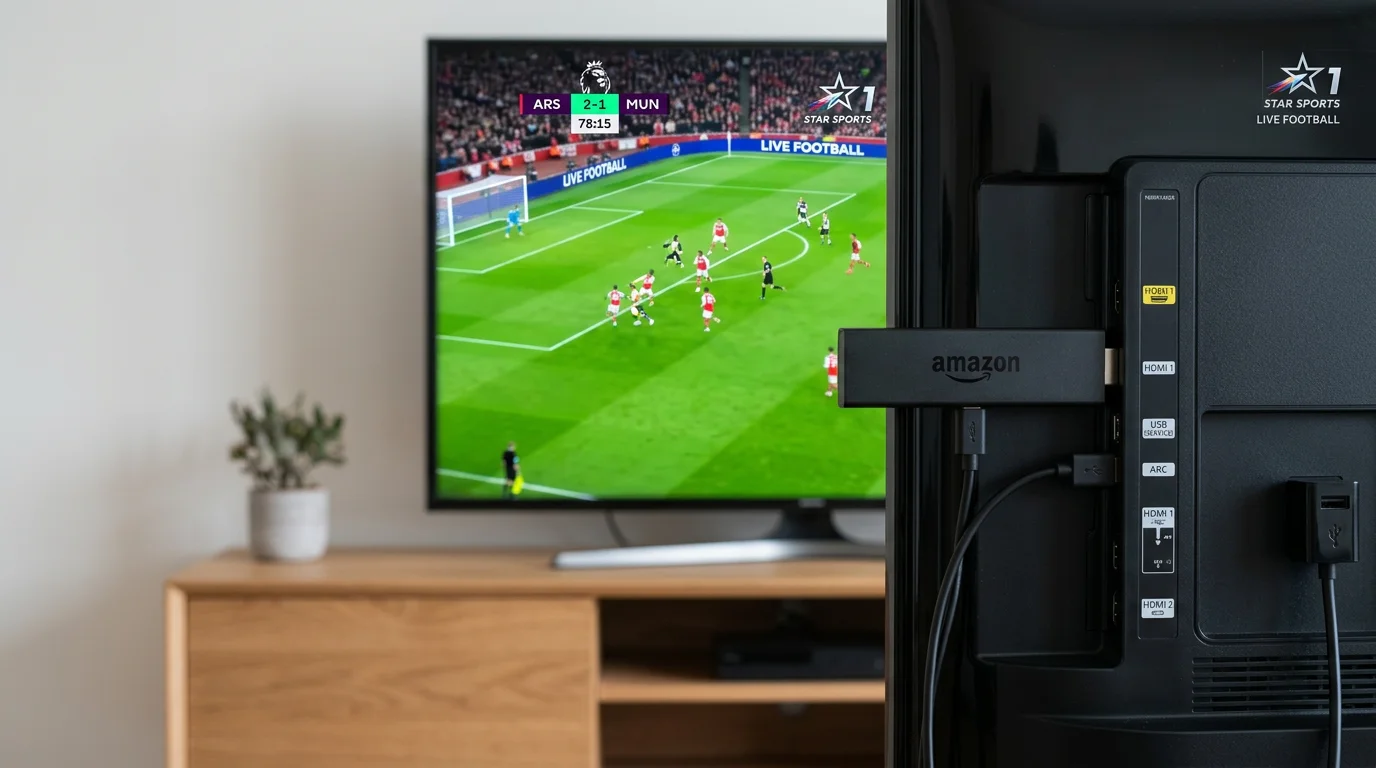
If you've got a FireStick plugged into your TV, you're already halfway to watching live sports from around the world without a cable subscription. This page covers how IPTV works on FireStick specifically for sports fans, what to look for in a service, and which providers are worth your money. Whether you're chasing Premier League fixtures, NFL Sundays, NBA playoffs, or Champions League knockouts, the right IPTV setup on FireStick can cover all of it from one remote.
Why FireStick Works Well for Sports IPTV
Amazon's FireStick is one of the most popular streaming devices on the planet, and it's a natural fit for IPTV. It runs Android-based software, which means you can sideload apps that aren't available in the official Amazon Appstore. Most IPTV providers give you either an APK file or support for players like TiviMate, IPTV Smarters Pro, or GSE Smart IPTV. All of these install cleanly on FireStick with a few simple steps.
From a hardware standpoint, FireStick handles IPTV well. The FireStick 4K and FireStick 4K Max both support H.265 decoding, which means lower bandwidth usage for high-quality streams. That matters during big events when server load spikes. The standard FireStick HD works fine too, especially if you're not watching on a massive screen.
Here's what makes FireStick a solid choice for sports specifically:
- Easy sideloading: You can install any IPTV app using the Downloader app, no technical knowledge required.
- Wide app support: TiviMate and IPTV Smarters Pro both run well on FireStick and have EPG (electronic program guide) support for tracking live sports schedules.
- Affordable hardware: FireStick devices are cheap, widely available, and easy to replace if something goes wrong.
- Plug-and-play setup: Once you've installed your player and entered your IPTV provider's M3U URL or Xtream Codes, you're live within minutes.
What to Look for in a Sports IPTV Service for FireStick
Not every IPTV service is built with sports fans in mind. Some providers have huge channel counts but poor sports coverage or servers that can't handle a packed Champions League night. Before you subscribe, here's what actually matters:
Sports channel depth: You want access to the major broadcast networks carrying your sports. For UK and European football fans, that means Sky Sports, BT Sport, TNT Sports, and beIN Sports. For American sports, you want ESPN, ESPN2, Fox Sports, NBC Sports, and NFL Network. La Liga, Serie A, Bundesliga, and MLS fans need their own dedicated feeds too.
Stream stability during peak events: This is where a lot of providers fall short. A Super Bowl, a World Cup final, or a playoff game will put serious load on any IPTV server. Ask providers about their server infrastructure and look for ones that offer multiple stream backups or redundant links per channel.
Video quality options: Look for services offering SD, HD, and FHD streams. FHD at 1080p is ideal for sports. Some services are starting to offer 4K feeds for select events, which is a bonus on FireStick 4K devices.
EPG and catch-up: A working electronic program guide makes scheduling easier. Catch-up functionality, which lets you replay games you missed, is a genuine plus for busy sports fans who can't always watch live.
One honest limitation worth flagging: blackout restrictions. Some IPTV services still apply regional blackouts on certain sports content, especially for US domestic leagues like the NFL and MLB. If you're in a blackout zone for your local team's game, you may find that channel blacked out even through IPTV. It doesn't happen with every provider, but it's something to check before you commit to a subscription.
Recommended Services
If you're looking for a well-rounded sports IPTV service that works reliably on FireStick, this service is a solid option to check out. The service covers major sports channels across multiple regions, including Premier League, Champions League, La Liga, NFL, NBA, and more. It supports M3U and Xtream Codes, making it compatible with TiviMate and IPTV Smarters Pro on FireStick without any complicated configuration.
When comparing any service, prioritize trial periods. Any provider worth subscribing to should offer a short trial so you can test sports streams during a live event before paying for a monthly or annual plan.
Frequently Asked Questions
Is it legal to use IPTV on a FireStick?
Using IPTV itself is legal. What matters is whether the service you're subscribing to has the rights to broadcast the content. Licensed IPTV services are fully legal. Unofficial services that restream content without authorization operate in a legal grey area, and that's a decision each user has to make for themselves.
Which IPTV player is best for sports on FireStick?
TiviMate is widely considered the best option for sports fans. It has a clean EPG layout, supports multiple playlists, and handles high-bitrate sports streams without dropping frames. IPTV Smarters Pro is a good free alternative if you don't want to pay for TiviMate's premium tier.
How much internet speed do I need for IPTV sports streams on FireStick?
For HD sports streams, you want at least 10 Mbps of stable speed. For FHD streams at 1080p, aim for 20 Mbps or higher. If multiple people in your household are streaming at the same time, factor that into your total bandwidth. A wired ethernet connection using a FireStick ethernet adapter is worth considering for big games where buffering would ruin the experience.
FireStick IPTV Setup Guide and Troubleshooting
Setting up IPTV on a FireStick takes about ten minutes the first time. The process involves three steps: enabling app sideloading, installing a player app, and loading your provider's credentials. To enable sideloading, go to Settings, My Fire TV, Developer Options, and turn on Apps from Unknown Sources. Then install the Downloader app from the Amazon Appstore. Open Downloader, type in the download URL for TiviMate or IPTV Smarters Pro (both providers post these links in their support documentation), and run the APK installer. Once the player is installed, open it, choose your connection method (M3U URL or Xtream Codes), enter the credentials your IPTV provider gave you, and the channel list loads automatically.
The FireStick 4K Max is the model most worth buying for sports IPTV specifically. It supports H.265 hardware decoding and has a faster processor than the standard FireStick HD, which matters when you're decoding a high-bitrate 1080p sports stream while also running an EPG in the background. The standard FireStick HD handles most streams fine but can drop frames on particularly heavy 1080p feeds during large events. If you're buying a new device for sports IPTV, the 4K Max is worth the small price premium.
One common FireStick issue is the device overheating during extended viewing sessions. Amazon's FireStick generates more heat than most people expect from a device that small, and when it throttles to manage temperature, stream performance drops noticeably. A simple fix is to remove the FireStick from any enclosed media cabinet and make sure there's airflow around it. Some users add a short HDMI extension cable so the FireStick dangles free from the TV rather than sitting flush against the back panel. This alone can prevent overheating during a three-hour NFL game or a full Formula 1 race weekend session.
Storage management matters on FireStick more than on Android TV boxes because the internal storage is limited. Uninstall apps you don't use and clear cache regularly for IPTV apps, which accumulate temporary data from EPG downloads. In TiviMate, go to Settings, General, Clear Cache on a monthly basis. A full cache can slow EPG loading significantly and in some cases causes the app to crash at startup, which is not what you want five minutes before a Champions League kickoff.
How do I install TiviMate on a FireStick?
Enable Developer Options on your FireStick, install the Downloader app from the Appstore, then use Downloader to navigate to the TiviMate APK download link (available from the TiviMate website). Run the APK, complete the install, and open TiviMate. Add your IPTV subscription by going to Add Playlist and entering your M3U URL or Xtream Codes details. TiviMate's premium subscription unlocks multi-stream recording and additional features, though the free version handles basic sports viewing without restrictions.
Can I watch sports in 4K on a standard FireStick?
No. The standard FireStick HD does not support 4K output. You need a FireStick 4K or FireStick 4K Max for 4K HDR streams. Even with the right hardware, your TV must support 4K and your internet connection needs to deliver at least 50 Mbps consistently to handle a 4K sports stream without buffering. Most sports fans find 1080p on a well-configured FireStick 4K Max an entirely satisfying experience, and 4K streams are only available for select events from most IPTV providers anyway.
What should I do if my FireStick IPTV stream keeps freezing?
Work through these fixes in order. To start, switch from Wi-Fi to a wired Ethernet connection using a FireStick Ethernet adapter. Beyond that, lower the stream quality from 1080p to 720p inside your IPTV player settings. Third, clear the IPTV app's cache in the FireStick's app settings. Fourth, check if the specific channel has a backup stream listed in your player. Fifth, restart your router and FireStick from scratch before a big game. If freezing persists after all of these, the issue is likely server-side at your IPTV provider during peak load, and switching to a backup channel or contacting support is the next step.
Does a FireStick work as well as an Android TV box for sports IPTV?
For most sports viewing purposes, the FireStick 4K Max and a quality Android TV box deliver comparable results. The Android TV box typically offers more RAM and easier app management since it runs a more open version of Android. FireStick wins on price, availability, and ease of use for less technical users. The NVIDIA Shield TV Pro outperforms both for pure hardware performance, but costs significantly more. If you're already invested in Amazon's ecosystem and just want to watch sport, a FireStick 4K Max is more than capable.